Your tourism website should be your most powerful sales tool. It’s working 24/7, reaching potential guests worldwide, and converting browsers into customers. But what happens when it’s not?
If your direct booking rates are declining while your competitors thrive, your website might be silently costing you thousands in lost revenue. The good news? Most booking losses are preventable once you know what to look for.
Let’s explore the 12 critical signs that your tourism website is hemorrhaging bookings—and what they mean for your business.
1. High Bounce Rate on Your Homepage
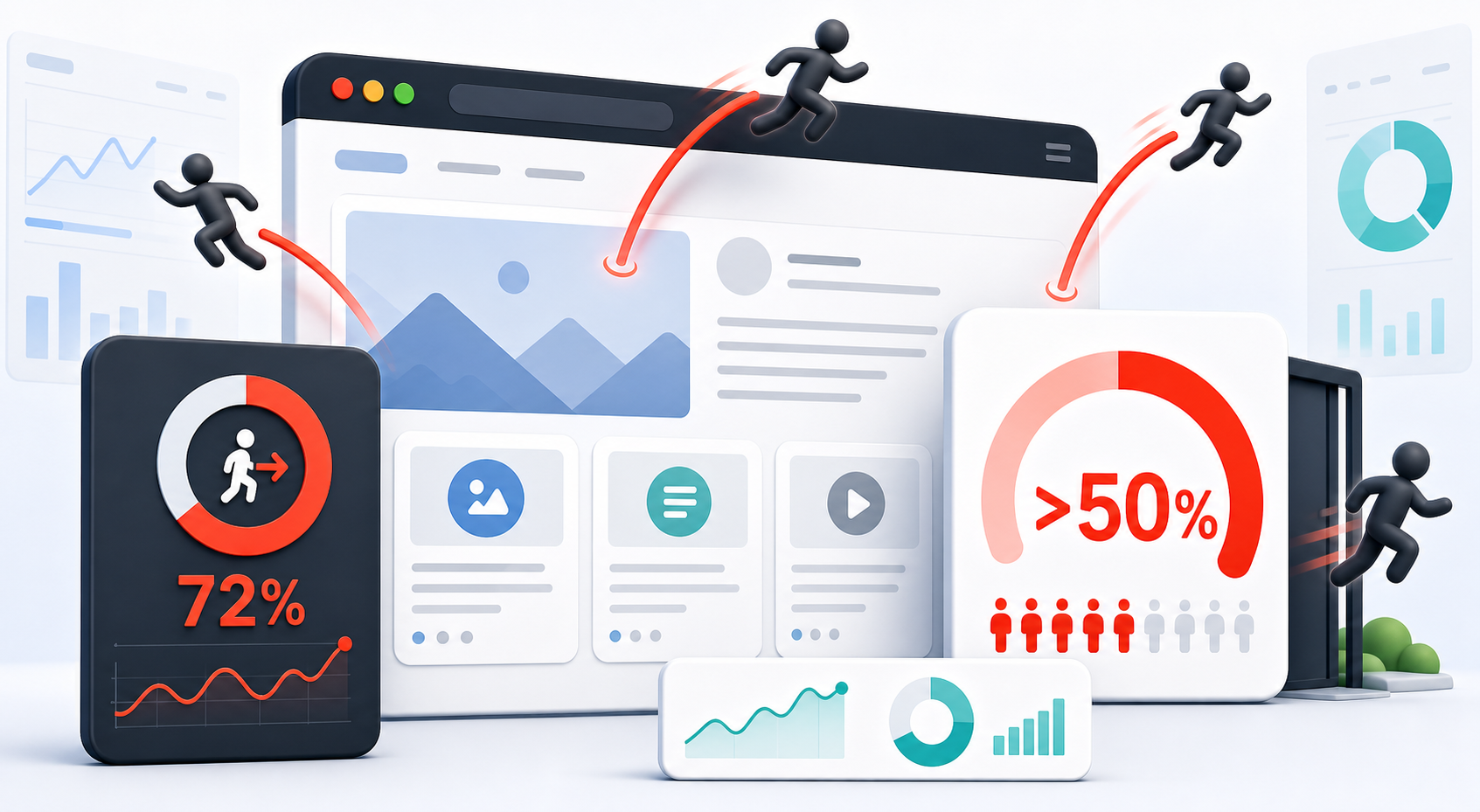
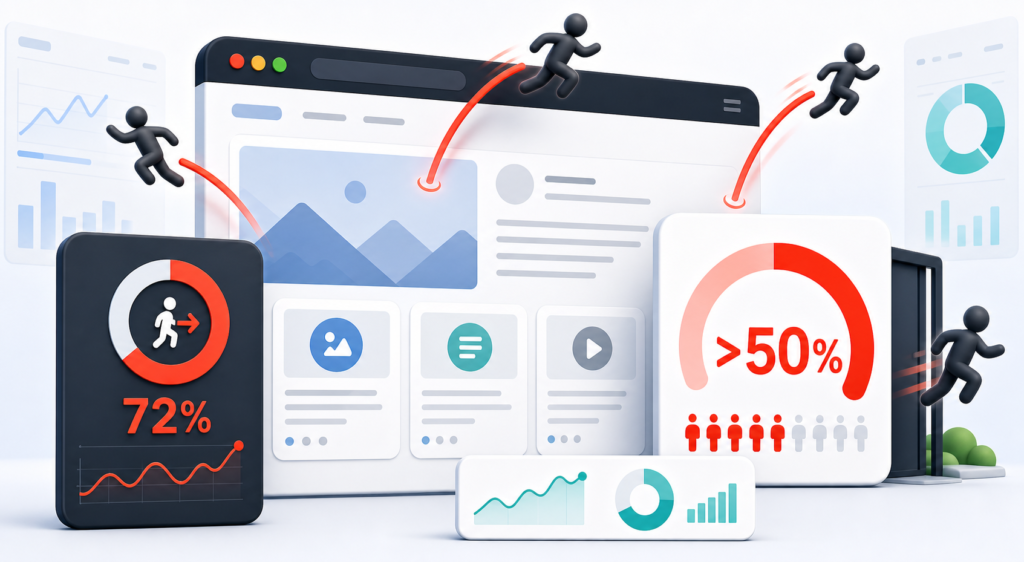
When visitors arrive at your homepage and leave without exploring further, that’s a bounce. A bounce rate above 50% is a red flag.
Why it matters: Your homepage is your first impression. If guests are bouncing within seconds, they’re likely turned off by confusing navigation, poor design, slow load times, or unclear value propositions. These visitors represent lost opportunities.
Red flag: If you’re seeing bounce rates spike on mobile, your website probably isn’t mobile-optimized—a critical issue since 70%+ of travel research happens on phones.
2. Your Booking Page Abandonment Is Sky-High
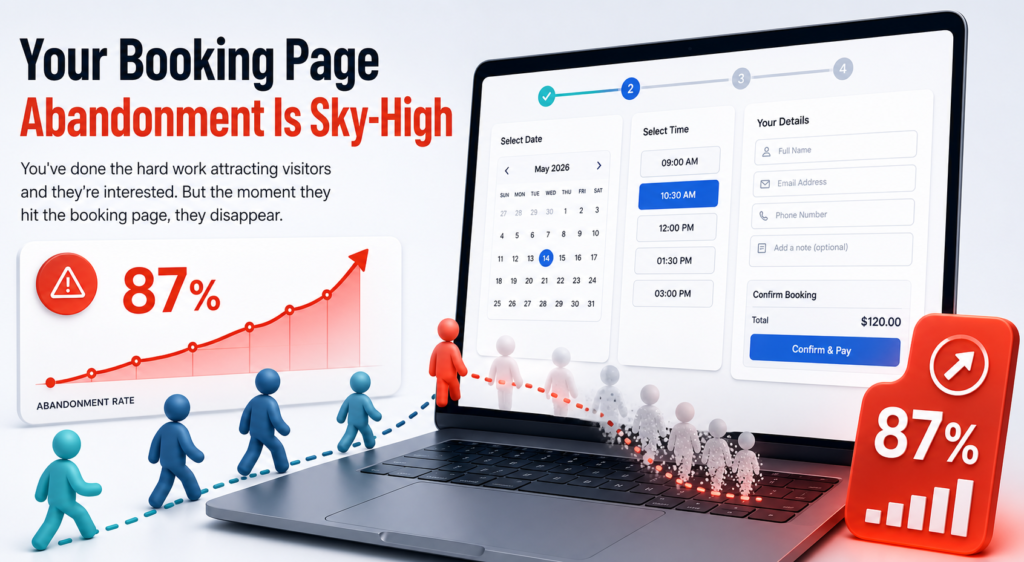
You’ve done the hard work attracting visitors and they’re interested. But the moment they hit the booking page, they disappear.
Why it matters: Abandonment at checkout is one of the most expensive leaks in your funnel. If visitors are leaving during the reservation process, something in the checkout experience is broken—unexpected fees appearing, unclear payment options, or a clunky form that’s hard to complete.
Red flag: Abandonment rates above 40% on booking pages are significantly higher than industry standards and demand immediate investigation.
3. Slow Page Load Times
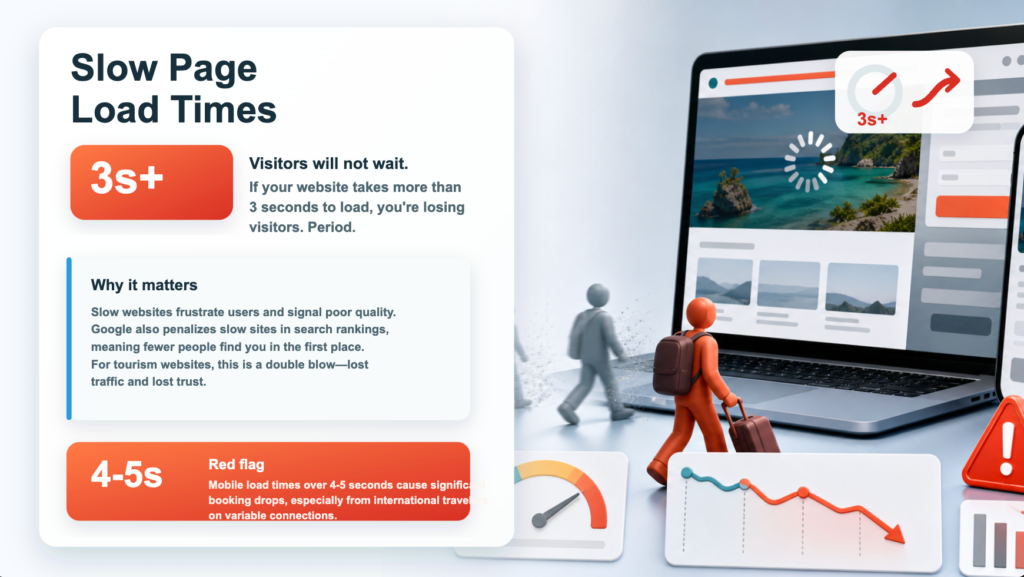
If your website takes more than 3 seconds to load, you’re losing visitors. Period.
Why it matters: Slow websites frustrate users and signal poor quality. Google also penalizes slow sites in search rankings, meaning fewer people find you in the first place. For tourism websites, this is a double blow—lost traffic and lost trust.
Red flag: Mobile load times over 4-5 seconds cause significant booking drops, especially from international travelers on variable connections.
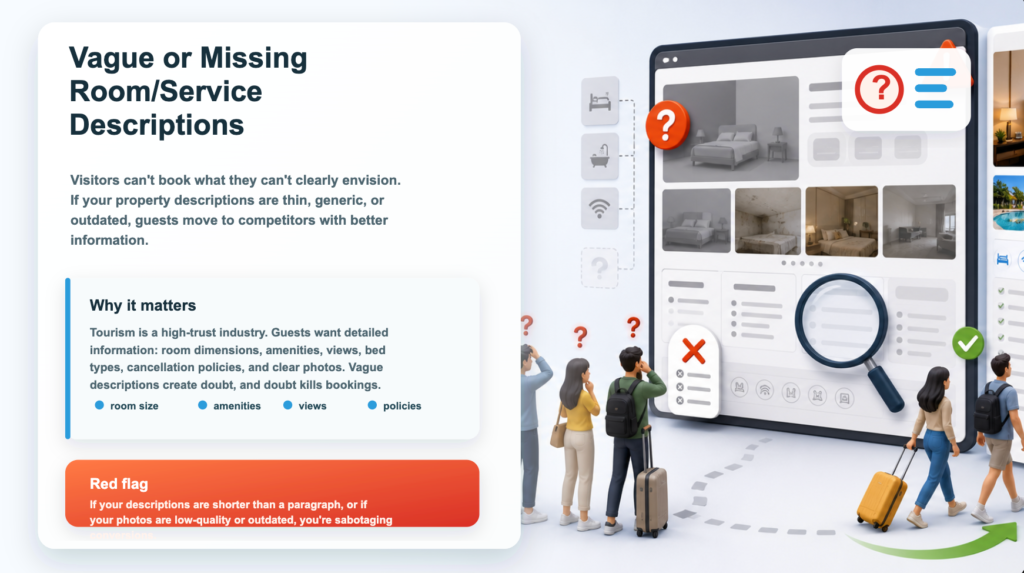
4. Vague or Missing Room/Service Descriptions
Visitors can’t book what they can’t clearly envision. If your property descriptions are thin, generic, or outdated, guests move to competitors with better information.
Why it matters: Tourism is a high-trust industry. Guests want detailed information: room dimensions, amenities, views, bed types, cancellation policies, and clear photos. Vague descriptions create doubt, and doubt kills bookings.
Red flag: If your descriptions are shorter than a paragraph, or if your photos are low-quality or outdated, you’re sabotaging conversions.
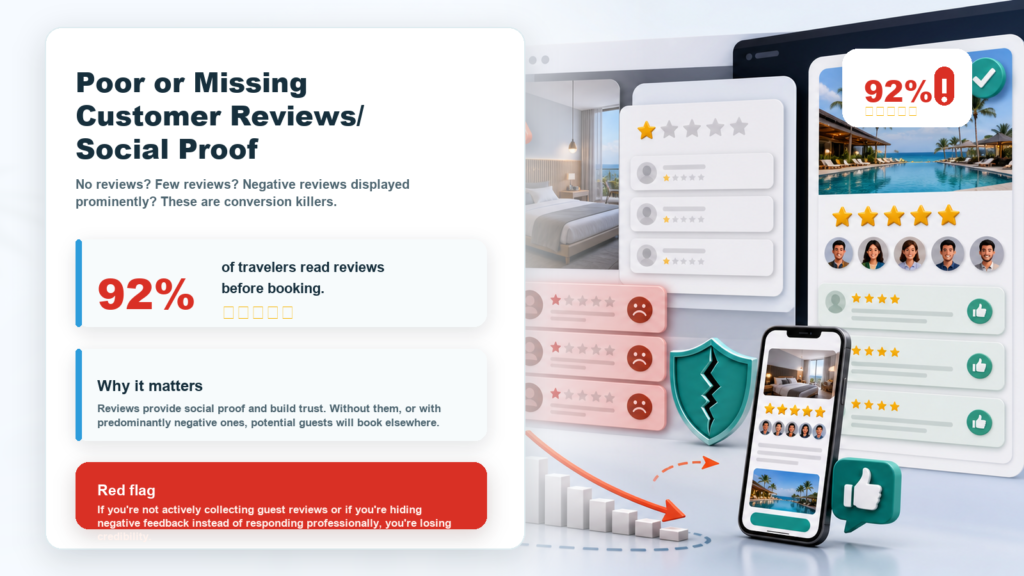
5. Poor or Missing Customer Reviews/Social Proof
No reviews? Few reviews? Negative reviews displayed prominently? These are conversion killers.
Why it matters: 92% of travelers read reviews before booking. Reviews provide social proof and build trust. Without them, or with predominantly negative ones, potential guests will book elsewhere.
Red flag: If you’re not actively collecting guest reviews or if you’re hiding negative feedback instead of responding professionally, you’re losing credibility.
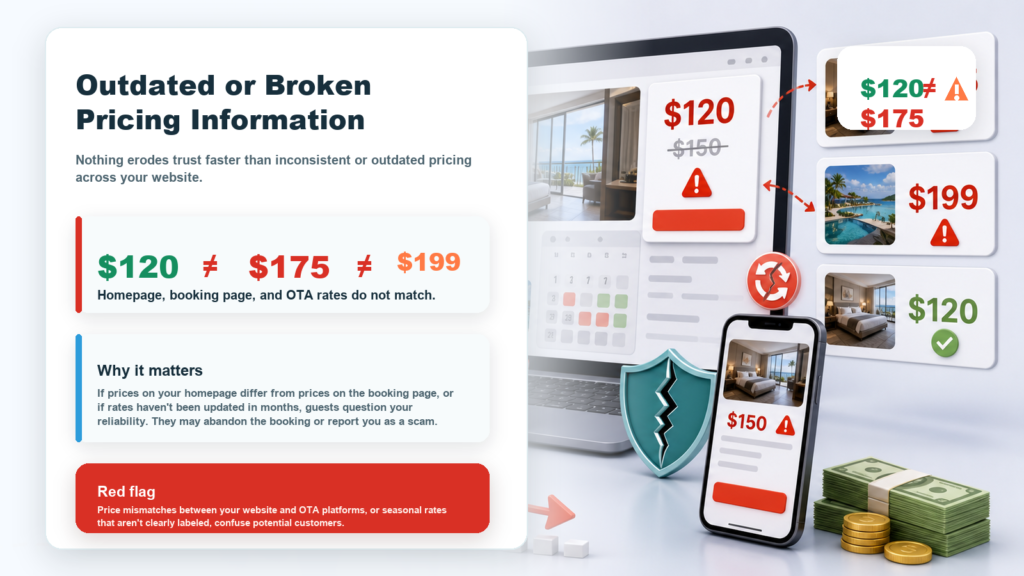
6. Outdated or Broken Pricing Information
Nothing erodes trust faster than inconsistent or outdated pricing across your website.
Why it matters: If prices on your homepage differ from prices on the booking page, or if rates haven’t been updated in months, guests question your reliability. They may abandon the booking or report you as a scam.
Red flag: Price mismatches between your website and OTA platforms, or seasonal rates that aren’t clearly labeled, confuse potential customers.
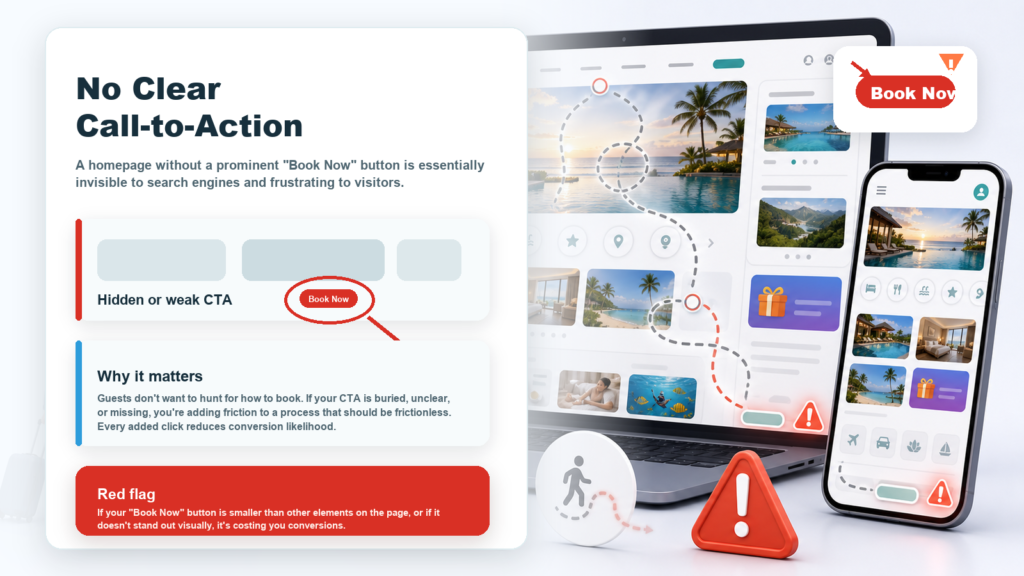
7. No Clear Call-to-Action
A homepage without a prominent “Book Now” button is essentially invisible to search engines and frustrating to visitors.
Why it matters: Guests don’t want to hunt for how to book. If your CTA is buried, unclear, or missing, you’re adding friction to a process that should be frictionless. Every added click reduces conversion likelihood.
Red flag: If your “Book Now” button is smaller than other elements on the page, or if it doesn’t stand out visually, it’s costing you conversions.
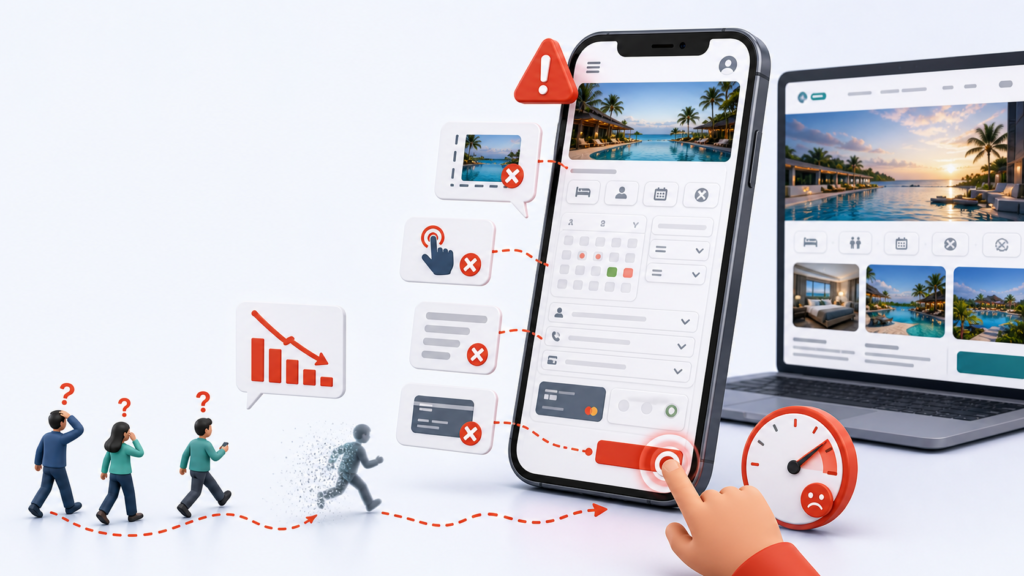
8. Poor Mobile Experience
With over 60% of bookings initiating on mobile devices, a poor mobile experience is a revenue disaster.
Why it matters: Mobile-unfriendly websites have unreadable text, images that don’t scale, forms that don’t work, and buttons that are hard to tap. Frustrated mobile users bounce instantly.
Red flag: If your website looks cramped on a phone, or if mobile booking takes twice as long as desktop booking, you’re bleeding reservations.

9. No Trust Signals or Security Badges
Guests need reassurance that their payment and personal information are safe.
Why it matters: Missing SSL certificates, security badges, payment logos, or guarantees make guests nervous. A nervous guest is a guest who doesn’t book. Trust signals—like SSL locks, verified payment methods, and cancellation guarantees—increase confidence and conversions.
Red flag: If your site doesn’t show HTTPS in the browser bar, or if you’re not displaying recognized payment logos (Visa, Mastercard, PayPal), you’re signaling that your site isn’t secure.
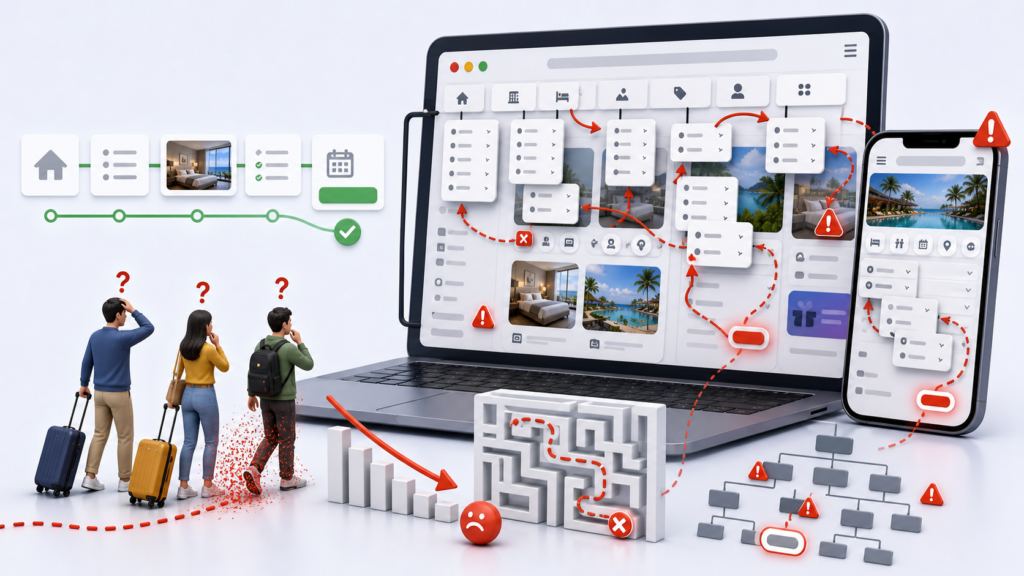
10. Confusing Navigation or Poor Site Structure
If visitors can’t easily find what they’re looking for, they’ll leave.
Why it matters: Tourism websites should have clear, intuitive navigation. If your menus are cluttered, your categories are confusing, or important information is buried three clicks deep, guests will turn to competitors with clearer websites.
Red flag: If it takes more than 2 clicks to find room details, pricing, or the booking button, your navigation is too complex.
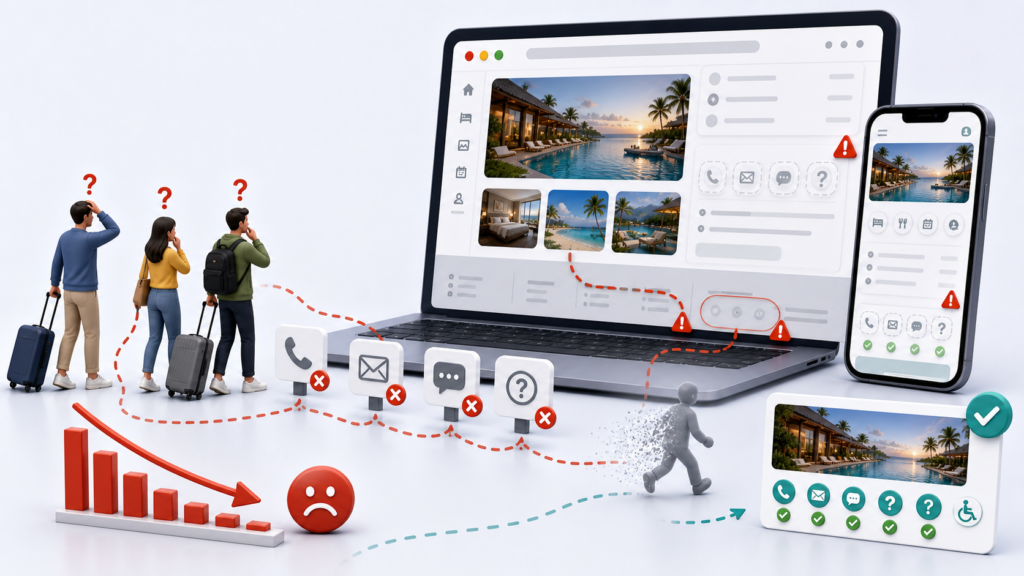
11. No Visible Contact Information or Support
Potential guests want to know they can reach you if something goes wrong.
Why it matters: If your contact details are hard to find, or if you don’t offer live chat, email support, or a clear help center, guests feel abandoned. They may book with a competitor who’s more accessible.
Red flag: If your phone number or email is only in the footer, buried in a PDF, or missing entirely, you’re creating unnecessary friction.
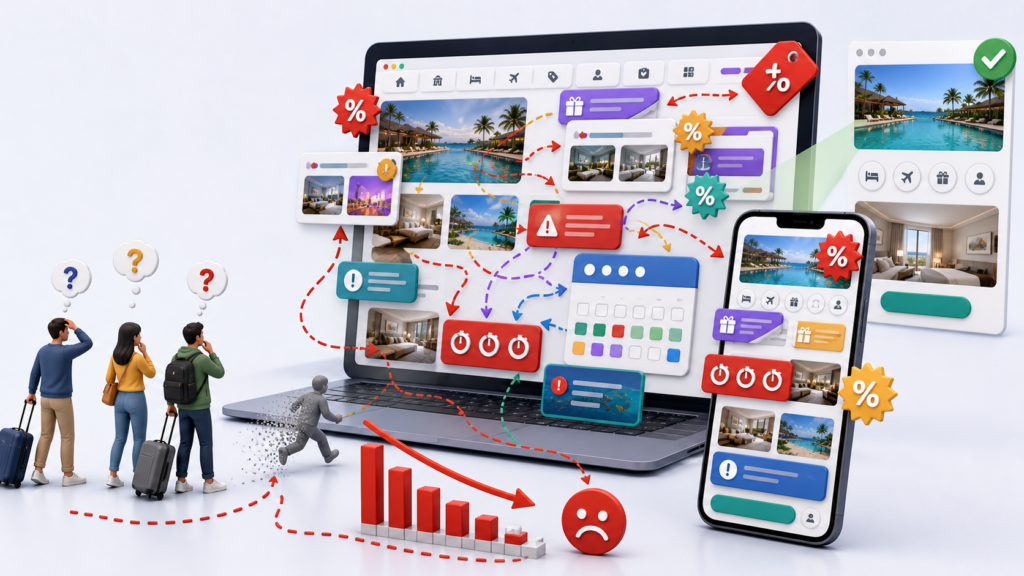
12. Competing Priority or Promotion Confusion
Too many competing messages, unclear promotions, or contradictory offers confuse potential guests and dilute your message.
Why it matters: When everything is on sale, nothing is. When you’re promoting too many things at once, your message becomes fuzzy. Confused visitors don’t book—they move to clearer, more confident competitors.
Red flag: If your homepage has multiple “limited-time offers,” conflicting dates, or promotions that contradict each other, your messaging is creating doubt.
What’s Really Happening?
Each of these 12 signs points to the same problem: friction in the booking journey.
Whether it’s slow pages, poor design, missing information, or trust concerns, every obstacle between visitor and booking is costing you revenue. Worse, you might not even realize these problems exist until booking numbers drop.
The challenge? It’s hard to audit your own website objectively. You know your property too well. You’re blind to the friction that’s obvious to strangers.
The Path Forward
Your tourism website needs to do more than exist—it needs to convert. That means:
✓ Fast load times
✓ Clear, compelling descriptions
✓ Seamless mobile experience
✓ Trust signals throughout
✓ Obvious calls-to-action
✓ Responsive customer support
A high-performing tourism website isn’t a luxury—it’s your competitive advantage.
But identifying all 12 of these issues on your own is time-consuming and often impossible. You need an outside perspective.
Want to know where your website is losing bookings? Get your free Xplore Digital Discovery Report.
Our comprehensive audit analyzes your tourism website across dozens of conversion metrics—from page speed to checkout friction, from mobile experience to trust signals—and identifies exactly where you’re losing direct bookings.
You’ll receive:
- A detailed analysis of your booking funnel
- Specific bottlenecks costing you revenue
- Actionable recommendations prioritized by impact
- A roadmap to recover lost bookings
Get Your Free Discovery Report →
Your competitors are optimizing their websites right now. Don’t get left behind. Start understanding where your bookings are disappearing today.